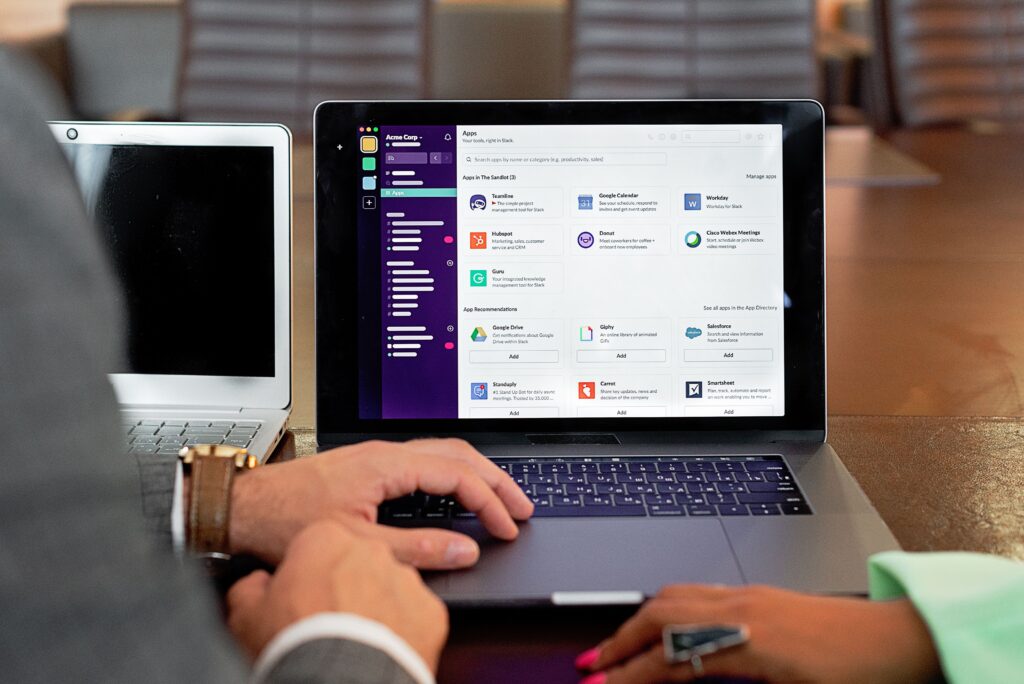

Managing a small team can seem simple until projects start multiplying, deadlines overlap, and important tasks get buried in emails or chat messages. A good project management system can give everyone a clearer view of what needs to be done, who is responsible, and when work is due.
The best project management software for small teams is not necessarily the platform with the most features. Small businesses often benefit more from software that is easy to learn, reasonably priced, flexible enough for different workflows, and capable of keeping tasks and communication organized in one place.
This guide explains what to look for, compares common types of project management tools, discusses their advantages and limitations, and provides practical steps for choosing software that fits your team’s needs.
What Is Project Management Software?
Project management software is a digital tool that helps teams plan, organize, track, and complete work.
Depending on the platform, it may include features such as:
- Task management
- Project boards
- To-do lists
- Deadlines and calendars
- Team assignments
- File sharing
- Comments and discussions
- Time tracking
- Progress reports
- Automation
- Notifications
- Budget or resource tracking
For example, a small marketing agency could use project management software to create a campaign, assign content writing and design tasks to team members, set deadlines, attach files, and monitor progress from a central workspace.
The exact features available vary considerably between software providers, so businesses should evaluate tools based on their actual workflow rather than choosing solely because a platform has a long feature list.
Why Small Teams Need Project Management Software
Small teams often work with limited time and resources. That makes organization especially important.
1. Better Task Organization
Instead of keeping tasks across spreadsheets, emails, notebooks, and messaging apps, a project management platform can bring them into one workspace.
Team members can see what needs attention and what has already been completed.
2. Clearer Responsibilities
A task can be assigned to a specific person instead of relying on assumptions.
For example:
Website redesign → Assigned to Ahmed → Design due Monday → Development due Friday
This simple structure can reduce confusion about responsibilities.
3. Improved Visibility
Managers and team members can see project progress without constantly asking for updates.
Depending on the software, projects may be displayed through lists, boards, calendars, timelines, or dashboards.
4. Easier Collaboration
Many project management platforms allow users to comment on tasks, attach documents, and communicate around specific pieces of work.
This can be more organized than searching through long conversations in general-purpose messaging applications.
5. Better Deadline Management
Deadlines become easier to monitor when they are connected directly to tasks and projects.
Some platforms can also send reminders or notifications when deadlines are approaching.
What Should You Look for in Project Management Software?
Before choosing a platform, identify the features your team actually needs.
Task Management
Task management should be at the center of the platform.
Look for the ability to:
- Create tasks and subtasks
- Assign responsibilities
- Set due dates
- Add descriptions
- Attach files
- Add comments
- Mark tasks as completed
- Track task status
A small team usually does not need an overly complicated task hierarchy.
Multiple Project Views
Different teams prefer different ways of working.
Common views include:
- List view
- Kanban board
- Calendar
- Timeline
- Table
- Dashboard
A marketing team, for example, may prefer a Kanban board for tracking content from “Ideas” to “Published,” while an operations team may prefer lists and deadlines.
Collaboration Features
Look for practical collaboration capabilities rather than simply counting the number of communication features.
Useful options can include task comments, file attachments, mentions, notifications, and shared project information.
Ease of Use
Ease of use is particularly important for small teams.
If employees need extensive training before they can create and update a task, the software may become another source of administrative work.
A useful approach is to test a platform with a real project before adopting it across the organization.
Integrations
Integrations can help connect project management software with tools your team already uses.
Depending on the platform, integrations may be available for:
- Cloud storage
- Communication tools
- Calendars
- Accounting systems
- Customer relationship management platforms
- Marketing applications
However, more integrations are not automatically better. Choose those that solve a genuine workflow problem.
Pricing
Cost should be evaluated in relation to actual usage.
Check:
- Free-plan limitations
- Per-user pricing
- Minimum user requirements
- Billing frequency
- Storage limits
- Advanced feature restrictions
- Additional charges for specific capabilities
A low advertised price may not represent the final cost if important features require a higher plan.
Security and Access Controls
Businesses should also consider how software handles user access and company information.
Depending on your requirements, useful controls may include:
- User permissions
- Role-based access
- Two-factor authentication
- Data export
- Account administration
- Activity history
Companies handling sensitive business information should review the provider’s current security documentation and terms before selecting a platform.
Types of Project Management Tools
There is no single format that works for every small team.
Kanban-Based Software
Kanban tools organize work into columns representing stages.
For example:
Ideas → To Do → In Progress → Review → Completed
This approach can work well for content teams, marketing agencies, software teams, and other groups with repeatable workflows.
List-Based Software
List-based systems organize projects into tasks and subtasks.
They can be useful when deadlines, responsibilities, and detailed task descriptions are more important than visual workflow management.
Calendar-Based Tools
Calendar-oriented software focuses heavily on dates and schedules.
This can be useful for teams managing:
- Events
- Content calendars
- Campaigns
- Meetings
- Recurring activities
- Deadline-driven projects
All-in-One Work Management Platforms
Some platforms combine project management with documents, communication, databases, automation, or other business functions.
These can be useful when a team wants fewer separate applications. However, broader functionality can also make a platform more complicated.
Popular Project Management Software Categories
Several established software providers offer solutions suitable for different types of small teams. Rather than declaring one universal winner, it is more useful to understand where different approaches may fit.
| Software approach | Best suited for | Potential advantage | Possible limitation |
|---|---|---|---|
| Kanban boards | Visual workflows | Easy to understand project stages | Can become crowded with many tasks |
| Task-list platforms | Structured projects | Clear responsibilities and deadlines | Less visual for workflow-heavy teams |
| Work-management platforms | Multiple workflows | Flexible customization | May require more setup |
| Team collaboration platforms | Communication-heavy teams | Work and discussions can stay connected | Project features may vary |
| Calendar-focused tools | Deadline-driven work | Strong scheduling visibility | May need additional tools for complex projects |
The right choice depends on team size, workflow, budget, existing applications, and how much customization is required.
Free vs. Paid Project Management Software
Free project management software can be useful for very small teams or businesses that are just starting to organize their work.
A free plan may provide enough functionality for:
- Basic task management
- Small projects
- Simple collaboration
- Personal organization
However, free plans commonly have restrictions that can become important as a business grows.
Paid plans may provide additional capabilities such as advanced reporting, automation, permissions, larger storage allowances, integrations, or more sophisticated project views.
The best approach is to calculate what your team actually needs rather than assuming the most expensive plan is the best option.
How to Choose the Best Project Management Software for Small Teams
Follow these steps before making a decision.
Step 1: Identify Your Main Problem
Ask what is currently causing difficulty.
Is your team struggling with:
- Missed deadlines?
- Unclear responsibilities?
- Too many emails?
- Poor project visibility?
- Scattered documents?
- Lack of accountability?
- Repetitive administrative tasks?
The answer will help determine which features matter most.
Step 2: Map Your Current Workflow
Write down how a typical project moves from beginning to completion.
For example:
Client request → Planning → Assignment → Production → Review → Approval → Delivery
Then look for software that can represent this workflow naturally.
Step 3: Create a Shortlist
Instead of testing dozens of platforms, select a few that meet your essential requirements.
Consider factors such as:
- Team size
- Budget
- Required features
- Integrations
- Ease of use
- Security
- Scalability
Step 4: Test With a Real Project
A trial is more useful when you use it with actual work.
Create a real project, invite the relevant team members, assign tasks, and see whether everyone can use the system comfortably.
Step 5: Calculate the Total Cost
Don’t look only at the monthly price shown on the homepage.
Consider the total number of users, required plan, annual costs, additional features, and any services you may need to purchase separately.
Step 6: Review Before Committing
Ask your team:
- Was the system easy to understand?
- Could everyone find their tasks?
- Were deadlines clear?
- Did it reduce unnecessary communication?
- Were important features missing?
- Did the platform create additional administrative work?
The answers can help you make a more practical decision.
Common Mistakes Small Teams Should Avoid
Choosing software can be just as much about avoiding unnecessary complexity as finding useful features.
Choosing Too Many Features
A platform may offer dozens of capabilities, but your team may only need task management, deadlines, comments, and file sharing.
Extra features can sometimes make implementation more difficult.
Ignoring User Adoption
The best software is ineffective if employees avoid using it.
Choose a platform your team can realistically incorporate into its daily routine.
Moving Everything at Once
If you’re replacing an existing system, consider starting with one project or department.
A gradual rollout can make it easier to identify problems before expanding usage.
Failing to Establish Rules
Software alone will not create an organized workflow.
Your team should agree on simple rules, such as:
- Where new tasks are created
- Who assigns work
- How priorities are identified
- How deadlines are recorded
- When tasks should be updated
- Where project files should be stored
Tips for Getting More Value From Project Management Software
Once you’ve selected a platform, focus on consistent use.
Keep Tasks Specific
Instead of creating a task called “Marketing,” use something more actionable such as:
Prepare April email campaign draft
Specific tasks are easier to assign and complete.
Set Realistic Deadlines
Avoid giving every task the same priority.
Separate urgent work from tasks that can wait.
Keep Project Boards Clean
Completed and outdated tasks should be archived or moved out of active views when appropriate.
A cluttered workspace makes it harder to identify current priorities.
Review Projects Regularly
A short weekly review can help identify overdue tasks, blocked work, changing priorities, and upcoming deadlines.
Avoid Excessive Notifications
Too many notifications can become distracting.
Configure alerts around events that actually require attention.
What Is the Best Project Management Software for Small Teams?
There is no single platform that is best for every small team.
A startup with a simple workflow may need a lightweight task manager. A marketing agency may benefit from visual boards and content workflows. A consulting business may prioritize deadlines, client collaboration, and document organization.
For that reason, the best project management software for small teams is the one that balances functionality, usability, cost, collaboration, and the team’s actual workflow.
Before purchasing, test the platform with real work and verify current pricing and features on the provider’s official website. Software plans and features can change over time.
Frequently Asked Questions
1. What is the best project management software for a small team?
The best option depends on the team’s workflow, budget, number of users, and required features. A simple team may need only task management and deadlines, while a larger small business may require automation, reporting, integrations, and advanced permissions.
2. Is free project management software enough for a small business?
It can be. Free plans may work well for simple projects and small teams, but businesses should check user limits, storage, integrations, automation, reporting, and other restrictions before relying on a free plan.
3. How much does project management software cost?
Pricing varies significantly between providers and plans. Some offer free versions, while paid plans may charge per user or use other pricing structures. Always check the provider’s current pricing page because plans and prices can change.
4. What features are most important for small teams?
For many small teams, the most useful features include task management, assignments, deadlines, collaboration, project views, notifications, file sharing, and integrations with existing business tools.
5. Should a small team use project management software?
If a team regularly manages multiple tasks, deadlines, clients, or projects, project management software can provide a centralized way to organize work. However, a very small team with simple responsibilities may not need a sophisticated platform.
Conclusion
Choosing project management software is less about finding the platform with the longest feature list and more about finding one that fits the way your team actually works.
Start by identifying your biggest organizational challenges, define the features you genuinely need, compare pricing and limitations, and test shortlisted platforms with real projects. Pay particular attention to ease of use because a complicated system can create more work instead of reducing it.
For small teams, a simple and consistently used project management system can often be more practical than an advanced platform that employees struggle to adopt. Review your needs periodically as your projects, team, and business processes change.